01
the flow
Check the flow before anything is built
Why it matters
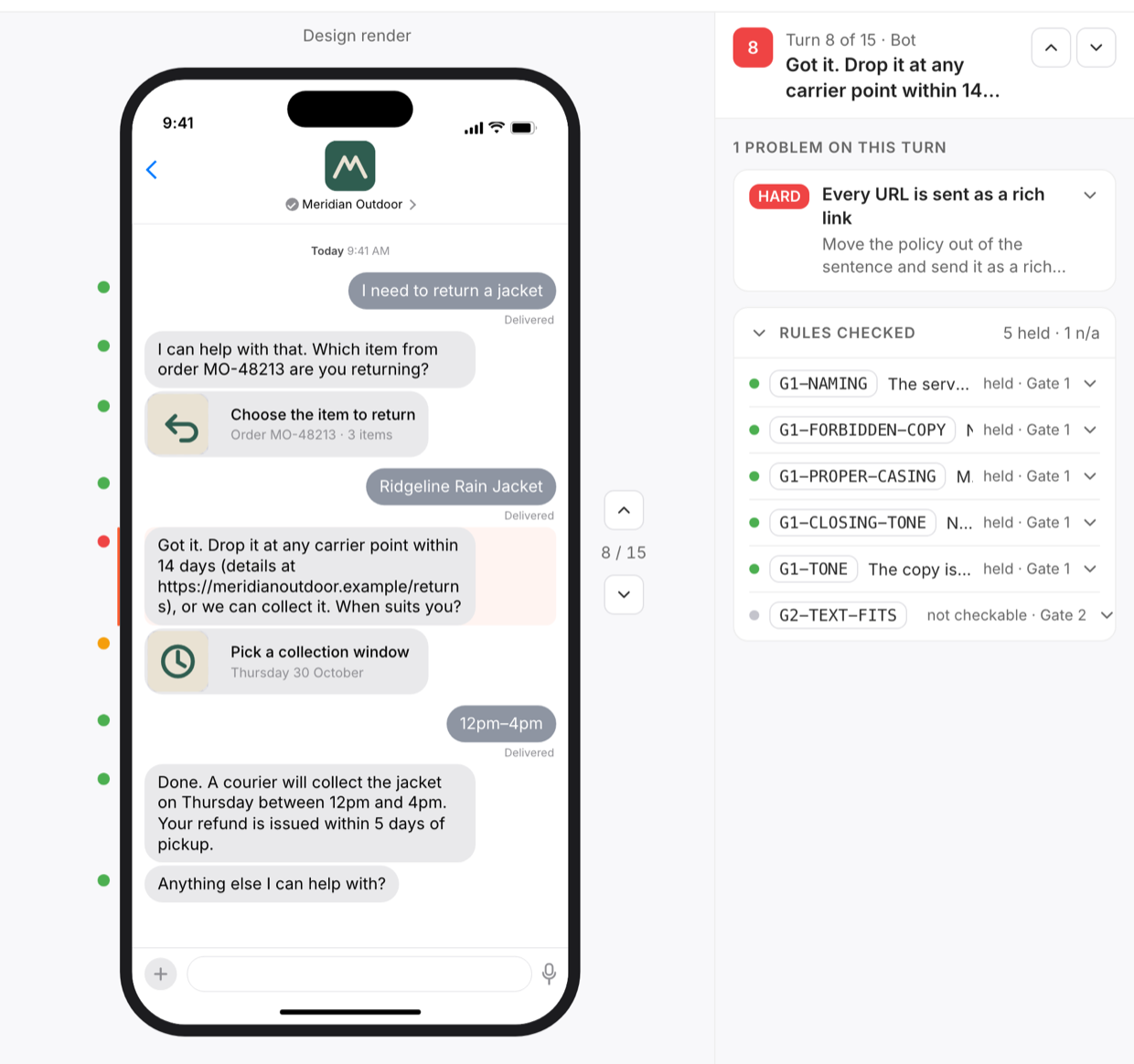
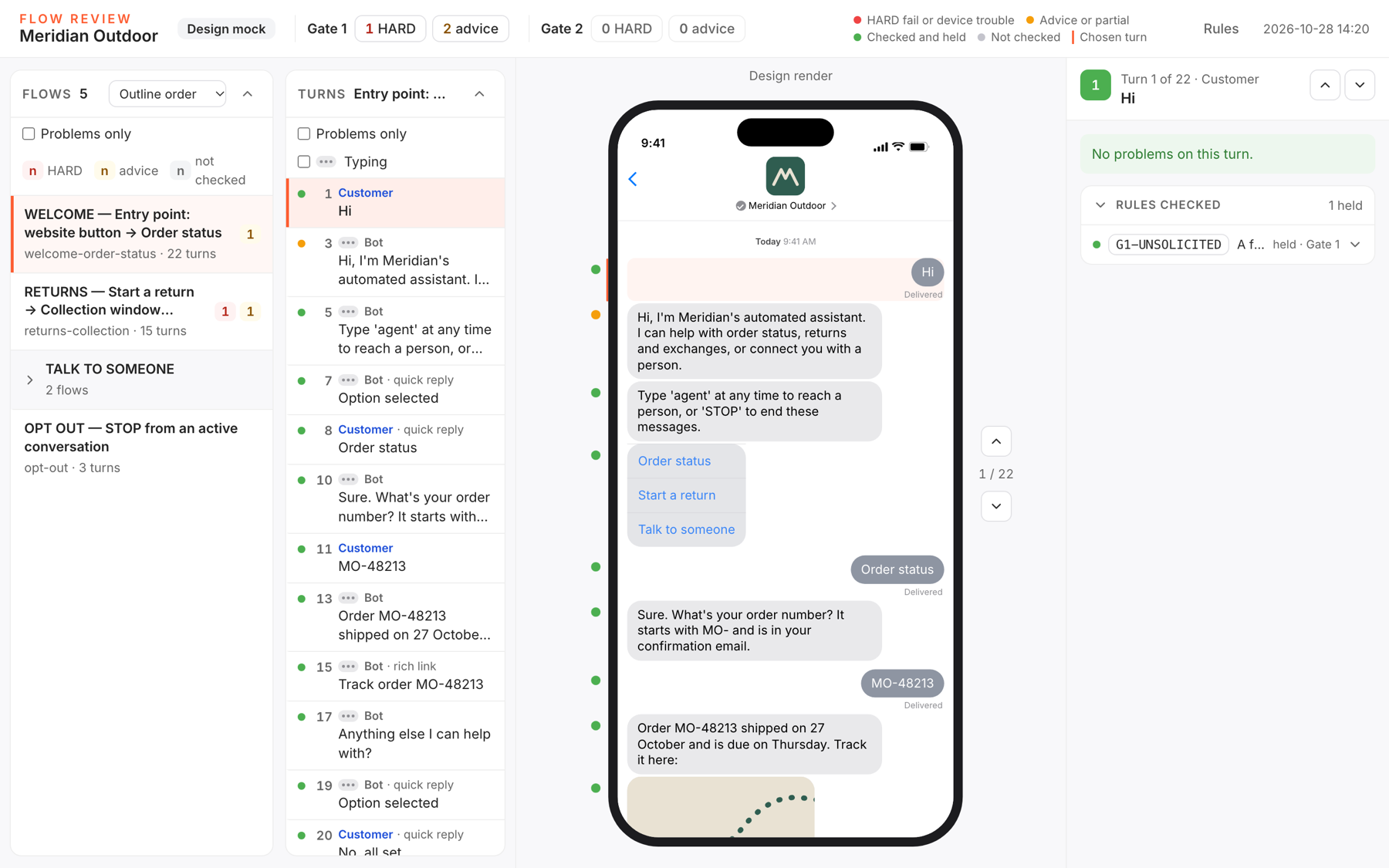
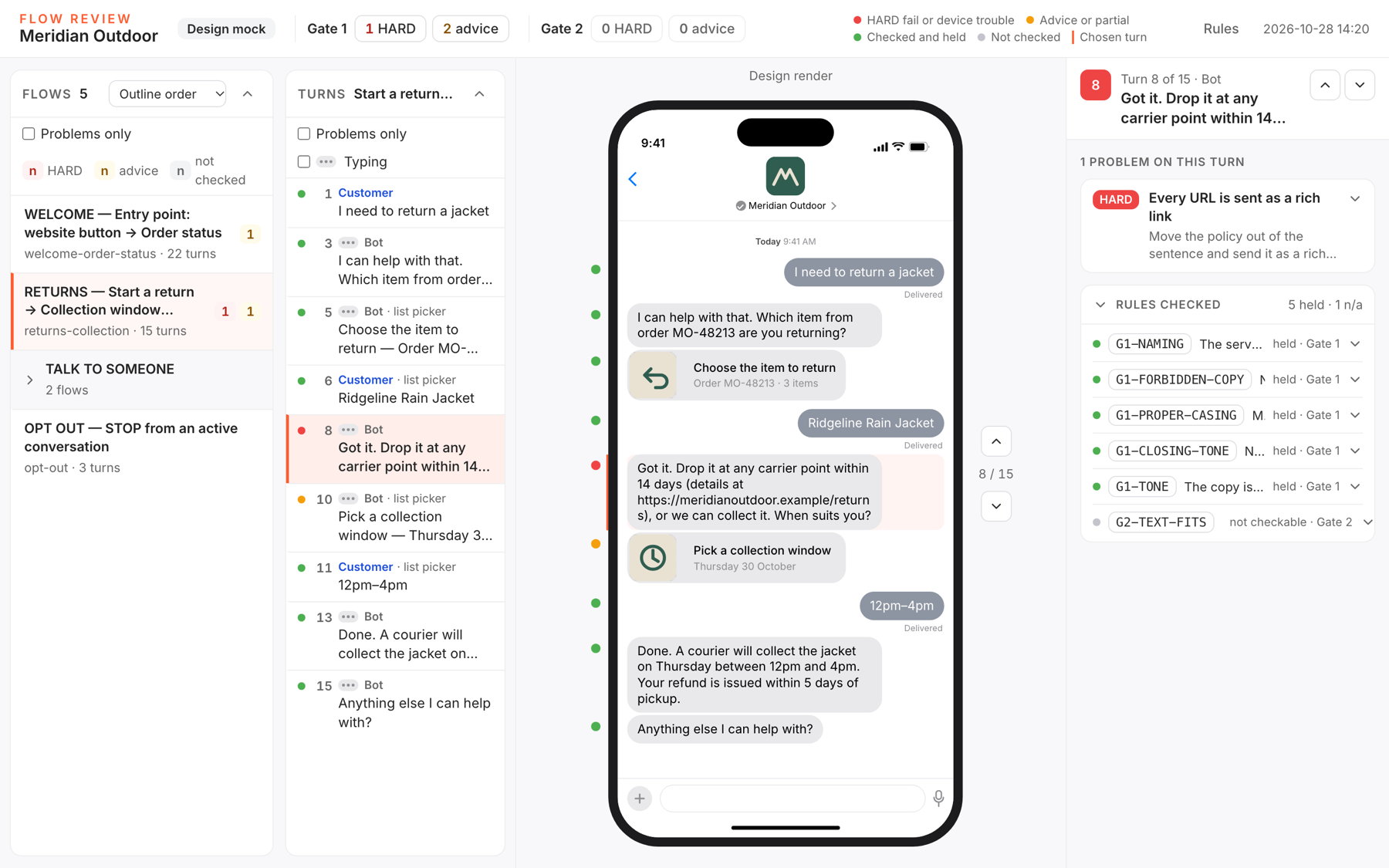
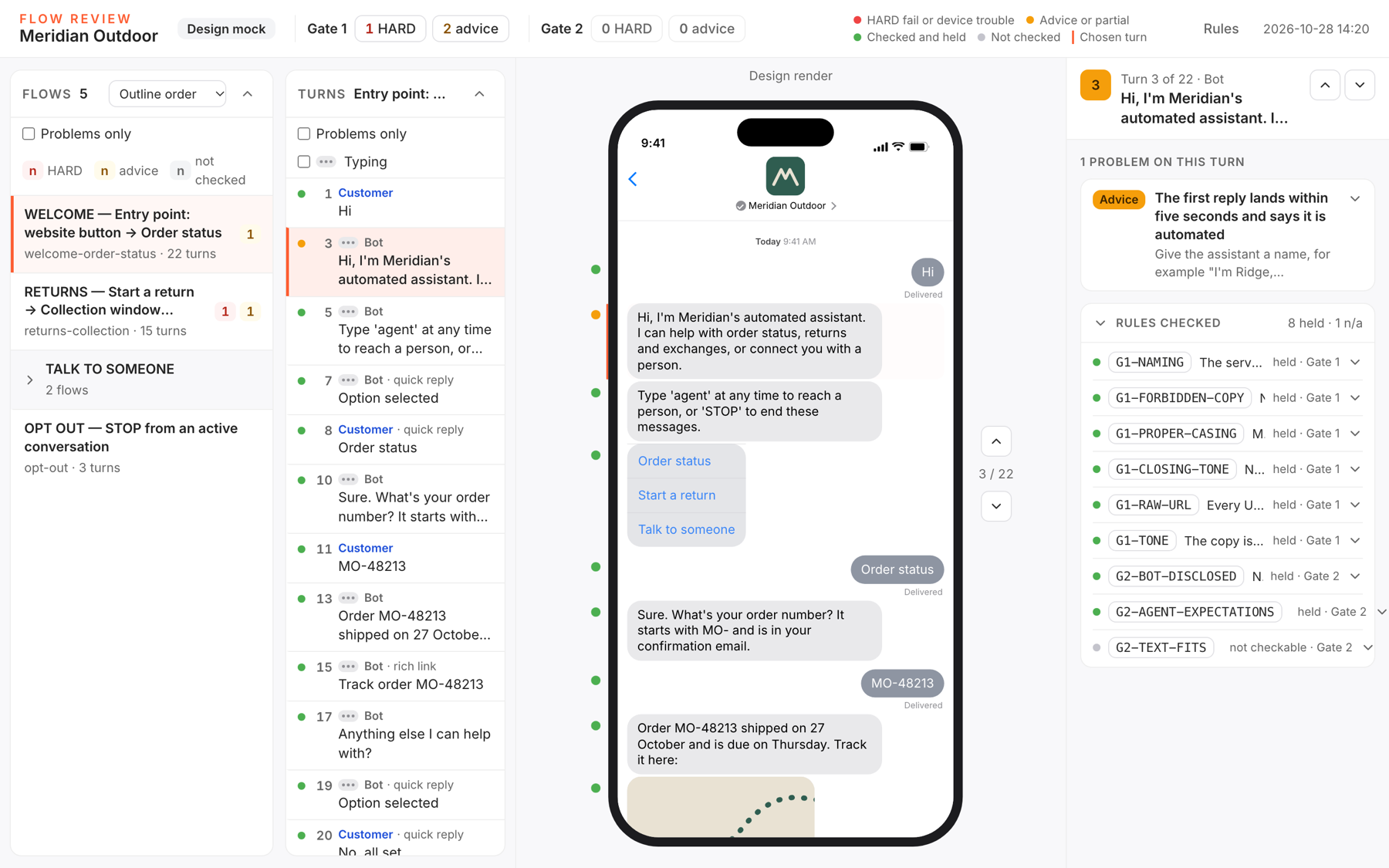
Most of what Apple asks to change is visible in the flow itself: the elements, their limits, the words, the paths.
What we check
The element sequence the channel can carry, quick reply counts and lengths, rich links, image and payload sizes, form and time-picker formats, the Apple Pay request, the business name, the automated-agent introduction, the path to a person, re-asking, tone, and nothing sent after the customer leaves.
What you get
A flow findings report, each finding with Apple's rule, what was observed and the fix, and a version of the flow with the fixes applied.
02
the phone
See it on a real iPhone, through your MSP
Why it matters
Some of Apple's rules are only checkable on rendered pixels: the logo, the sizes, the contrast, whether the thread reads as your brand.
What we check
Every turn delivered and timed through your test sender to an allow-listed test device, with the customer's taps automated. On each screen: header logo and business name, control sizes, bubble layout, colour contrast, text legibility, brand distinction, light and dark appearance.
What you get
An on-device findings report with one screenshot per turn as evidence, and the same loop of fixes and re-capture until the gate passes.
03
the recording
Record the submission Apple asks for
Why it matters
Apple reviews a screen recording of the real journey. It has to show the features in use, a live-agent turn and the out-of-hours behaviour.
What we check
A paced replay on the device with typing indicators and per-message dwell, recorded on the device, with every interactive element in the flow present, the out-of-hours segment included, and the live-agent segment present or flagged.
What you get
The recording with device, system version, sender and flow-version metadata, ready to submit alongside the package.